There is no driver to download. Windows has shipped the one your USB microscope uses since Windows 10, so when the thing does not show up, the cause is enumeration, permission or power — and each of those prints a different, specific message on screen. This is how to read that message, instead of installing a “driver pack” that makes it worse. (If the microscope is detected and you only need something to open it with, that is a different article: USB microscope software.)
The driver it actually uses
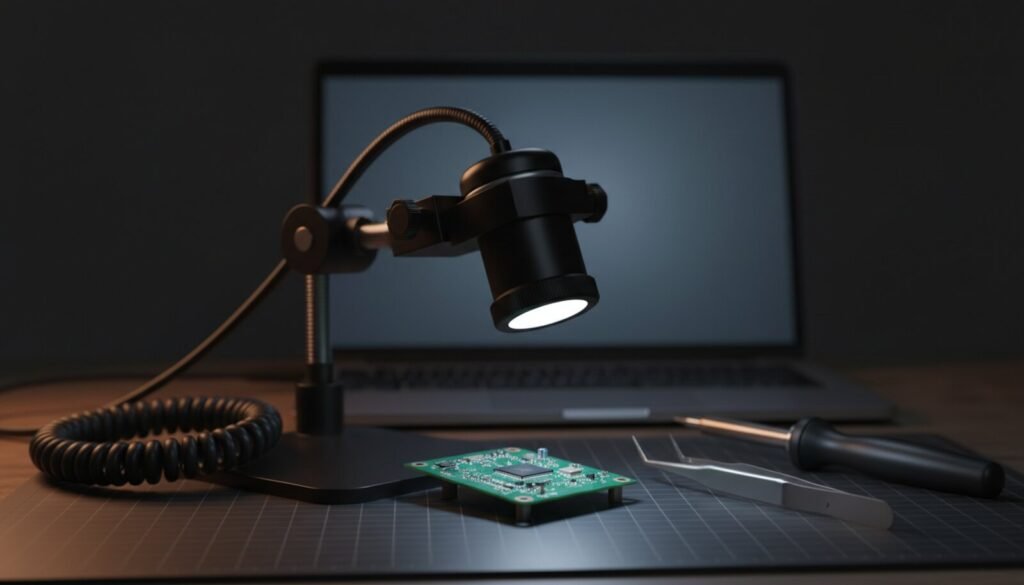
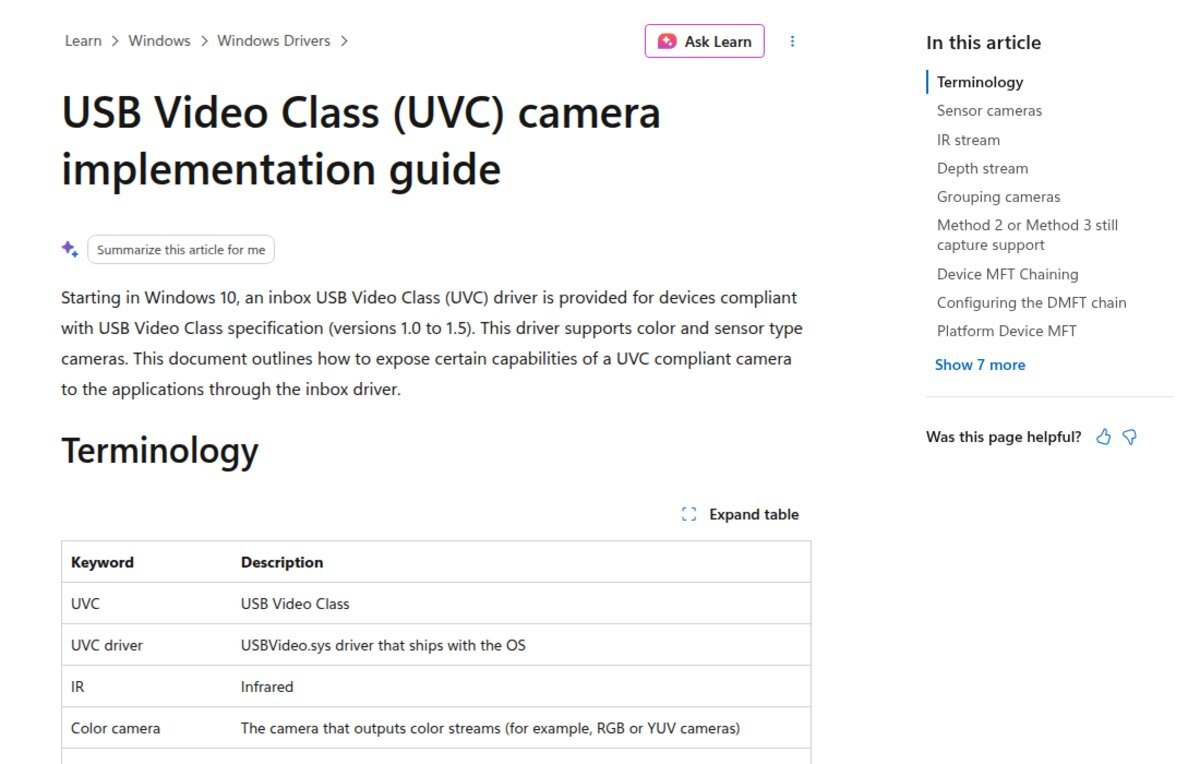
Almost every USB microscope sold today — the pen-style tube, the ring-light scope on a stand, the eyepiece camera screwed into a stereo scope — is a UVC device: USB Video Class. Microsoft’s driver documentation is explicit: “Starting in Windows 10, an inbox USB Video Class (UVC) driver is provided for devices compliant with USB Video Class specification (versions 1.0 to 1.5).” The same page’s terminology table names the file: USBVideo.sys, “driver that ships with the OS”.
So there is no vendor package to hunt for, and any site offering one for a no-name microscope is selling you something else. The exceptions are narrow: Wi-Fi microscopes (not USB devices at all), a few older Dino-Lite models that use a vendor interface, and units with a built-in screen that expose only a mass-storage drive when plugged in.
Step 1: find out what Windows actually sees
Open Device Manager and look in three places, in this order: Cameras, Imaging devices, and Universal Serial Bus controllers (where a failed enumeration lands). Then turn on View → Show hidden devices, which surfaces nodes left behind by uninstalled vendor software.
To get the hardware ID, right-click the device → Properties → Details → property Hardware Ids. A camera node reads USB\VID_xxxx&PID_xxxx&MI_00; the parent USB device carries the plain USB\VID_xxxx&PID_xxxx. Write it down — every command below takes it.
pnputil, which has shipped in %windir%\system32 since Windows Vista, answers faster than clicking through Device Manager. These are the flags that matter here, with the build each one needs:
| Command | What it tells you | Available since |
|---|---|---|
pnputil /enum-devices /class Camera /connected |
Every camera Windows currently has, inbox driver or not | /enum-devices Win10 1903; /class Win11 22H2 |
pnputil /enum-devices /problem |
Every device carrying a problem code, with the code | Win10 1903 |
pnputil /enum-devices /class Camera /stack /drivers |
Which driver is really bound, and what else is in the stack | /drivers Win10 2004; /stack Win11 21H2 |
pnputil /restart-device /deviceid "USB\VID_xxxx&PID_xxxx" |
Restarts the device without unplugging it | Win10 2004; /deviceid Win11 21H2 |
pnputil /remove-device /deviceid "USB\VID_xxxx&PID_xxxx" then pnputil /scan-devices |
Forgets the device and re-enumerates it from scratch | Win10 2004 |
pnputil /enum-drivers /class Camera |
Third-party camera packages in the driver store — the ones to delete | /class Win11 21H2 |
Run them from an elevated prompt. The flag table matters because half the advice online uses switches that silently do not exist on the build in front of you.
What the screen says, what it means, what fixes it
The error codes in the first column are Windows’ own; the constant names come from Microsoft’s Device Manager error reference, and the 0xA00F… codes from its camera troubleshooting page.
| What you see | What it means | Fix |
|---|---|---|
| Nothing at all in Device Manager, no connect sound | The device never enumerated — Windows was never told it exists | Charge-only cable or dead port. Use a known-good data cable, straight into a rear port, no extension, no unpowered hub. A ring-light scope draws real current |
| “Unknown USB Device (Device Descriptor Request Failed)” | Enumeration started and failed electrically | Another port on a different controller, shorter cable, powered hub |
“This device cannot start. (Code 10)” — CM_PROB_FAILED_START |
A driver is bound but refused to start | pnputil /remove-device then /scan-devices; uninstall any vendor camera software |
Code 28 — CM_PROB_FAILED_INSTALL |
No matching driver, usually after a vendor INF was deleted | Force the inbox driver: Update driver → Browse my computer → Let me pick from a list → USB Video Device |
Code 43 — CM_PROB_FAILED_POST_START |
The device itself reported a failure after starting | Full power cycle of the device; then a different controller. If it repeats on a second PC, the camera is dead |
Code 52 — CM_PROB_UNSIGNED_DRIVER |
An unsigned driver from a “driver pack” is in the way | pnputil /enum-drivers /class Camera, then pnputil /delete-driver oem#.inf /uninstall |
Code 45 — CM_PROB_PHANTOM |
A leftover node for a device that is not plugged in | Nothing — it is only visible under Show hidden devices |
Listed under Cameras, but the app says “We can’t find your camera” 0xA00F4244 |
The stream is blocked, not missing | Settings → Privacy & security → Camera: turn on Camera access, Let apps access your camera and Let desktop apps access your camera |
0xA00F4243 / 0xA00F4289 — another app is using the camera |
Something holds the exclusive stream | Close Teams, Zoom, the browser tab. One process at a time |
| Vanished from every video app right after running a USB driver tool | The class driver was replaced with WinUSB | Uninstall the device, unplug, replug. Never point Zadig at a camera |
If you have no error message to go on, work the table from the top down: cable and port first, then re-enumerate, then force the inbox driver, then the three privacy toggles, and only then start deleting packages from the driver store. That order is deliberate — the cheap checks clear most “not detected” cases, and the expensive ones can break a camera that was merely blocked.
While you are in there: the magnification number is not a spec
“1000x” and “1600x” are marketing arithmetic, not a property of the hardware — they depend on working distance and on how big the image is drawn on your screen. The sensor is the real spec, and in this price class it is one of two parts:
| Sensor | Native array | Frame rate at full resolution |
|---|---|---|
| GalaxyCore GC0308 (1/6.5″) | 640 × 480 (VGA) | Up to 30 fps at a 24 MHz clock, per the datasheet |
| OmniVision OV2640 (1/4″) | 1600 × 1200 (UXGA) | Up to 15 fps at UXGA, per the datasheet |
A listing that promises “12MP” on a GC0308 is interpolating. The honest number is in the device’s own UVC frame descriptors: whatever resolutions your capture dialog offers are the ones the camera actually declares, and a resolution that is not in that list never existed.
What people actually report
On BleepingComputer, an Aopick microscope on Windows 11 Home 24H2 was “not recognised as a camera in either Windows Camera app or the Smart Cam app” and did not appear in Device Manager at all; uninstalling drivers and showing hidden devices changed nothing, and the thread ended with “try it on another computer”. That was the right call — a device that never enumerates is not a driver problem. Plugable’s own support forum shows the same wording for its microscope, and the vendor’s first steps are privacy permissions, a different port, a different camera app — in that order.
Arducam’s UVC troubleshooting page adds two bench-relevant ones: a laptop’s internal camera can conflict with an external UVC device, so disable it in Device Manager while you test; and banding under a ring light is the Power Line Frequency control set to the wrong region, 50 Hz or 60 Hz.
FAQ
Can I download and reinstall USBVideo.sys on its own?
No. It is an inbox driver, not a distributable package. You “reinstall” it by removing the device node and letting Windows re-bind it, which is step 2 above.
Will Zadig fix a microscope that Windows ignores?
No, and it will make a working one disappear. Zadig replaces the class driver with WinUSB, which is exactly what you want for a USBasp and exactly what kills a camera.
It works on another PC — so the hardware is fine?
Yes: it enumerates, so the difference is on the host. Compare controllers (rear vs front ports), hubs, and third-party packages via pnputil /enum-drivers /class Camera. A device that genuinely needs a vendor driver — a CH340 serial bridge — fails the opposite way: on every machine, until the driver is in.
Sources
- Microsoft Learn — USB Video Class (UVC) camera implementation guide (inbox driver, UVC 1.0–1.5, USBVideo.sys)
- Microsoft Learn — Device Manager error messages (Code 10, 28, 43, 45, 52 and their
CM_PROB_names) - Microsoft Learn — PnPUtil command syntax (every flag and the build it arrived in)
- Microsoft Support — Camera doesn’t work in Windows (
0xA00F4244,0xA00F4243, privacy settings path) - GalaxyCore GC0308 datasheet and OmniVision OV2640 datasheet
- Forum threads: BleepingComputer — USB Microscope stopped working with Windows 11; Plugable — microscope not detected; Arducam UVC camera troubleshooting
Verified 1 October 2026.