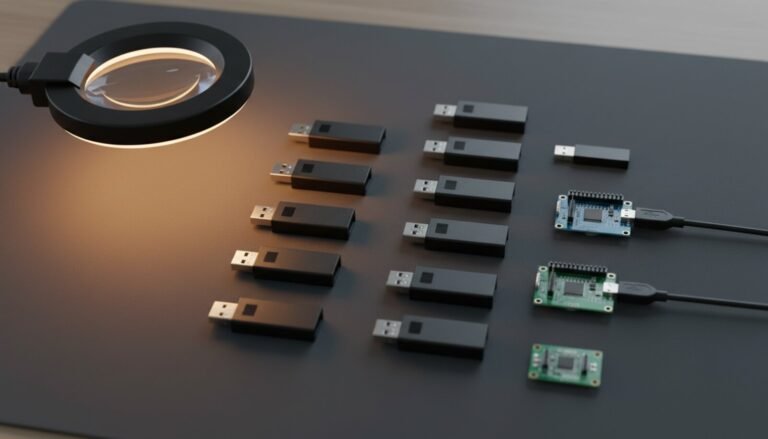
The $8 “24 MHz, 8-channel” analyzer in the little blue box is a Cypress FX2LP with a copied USB ID, and the disc in the envelope is usually somebody else’s software. The honest way to run it on Windows 11 is WinUSB plus sigrok’s open fx2lafw firmware, mirrored below — and once it runs, here is the part nobody writes down: switching channels off does not buy you a faster sample rate, because the firmware ships the whole 8-bit port either way.
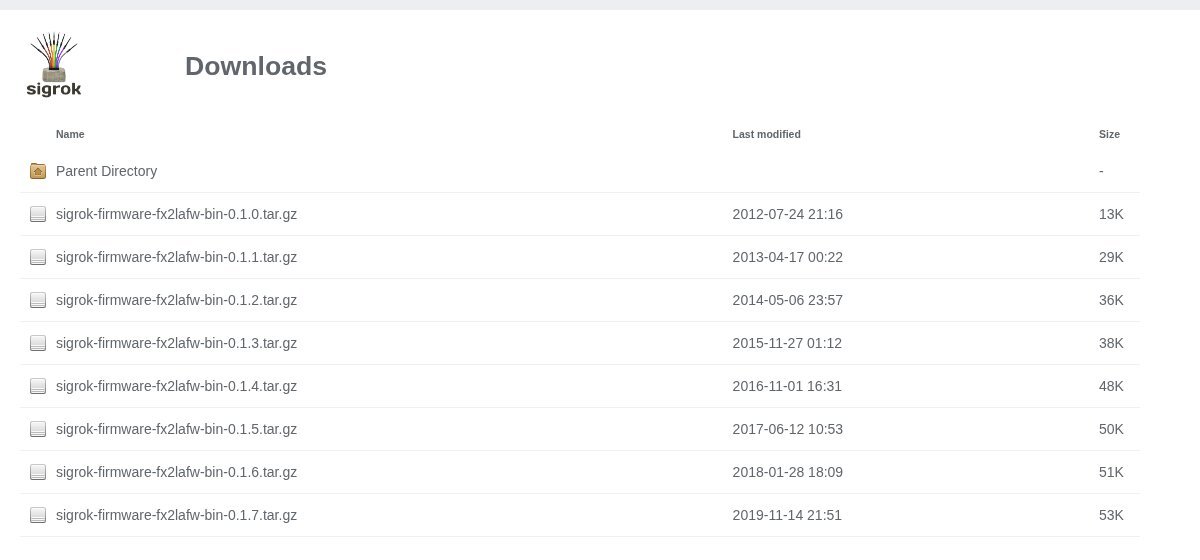
⬇ sigrok fx2lafw firmware 0.1.7 (GPLv2+)
Download fx2lafw 0.1.7 firmware
The Windows PulseView installer already carries these files — the project’s README states that “the sigrok Windows installers automatically ship it”. Take this ZIP if you are on a Linux AppImage, an offline bench PC, or a distro package that left the firmware out.
Installing it on Windows 11
- Install PulseView — take the nightly build the project itself recommends, not the 2020 release.
- Plug the analyzer straight into a motherboard port. Not a hub: that is failure #1 below.
- Run Zadig, tick Options → List All Devices, select the analyzer, choose WinUSB and click Install Driver. sigrok’s own Windows page is blunt about the alternative: the driver shipped with the vendor software “is not going to work in almost all cases”.
- Open PulseView and pick the device. libsigrok uploads the firmware over USB, and the board drops off the bus and comes back at a new address. That renumeration is normal — but if Windows now shows an unknown device again, run Zadig a second time on the new entry. Zadig binds per USB port, so repeat it for every port you use.
- After a good upload the board reports itself as manufacturer
sigrok, productfx2lafw— that string pair is what the driver itself checks (usb_match_manuf_prod), so it is how you confirm the upload in any USB tree viewer.
On Linux, apt install sigrok-firmware-fx2lafw (Debian 13 ships 0.1.7-3 in main) or unzip the files into ~/.local/share/sigrok-firmware; libsigrok also honours $SIGROK_FIRMWARE_DIR.
The USB IDs fx2lafw answers to
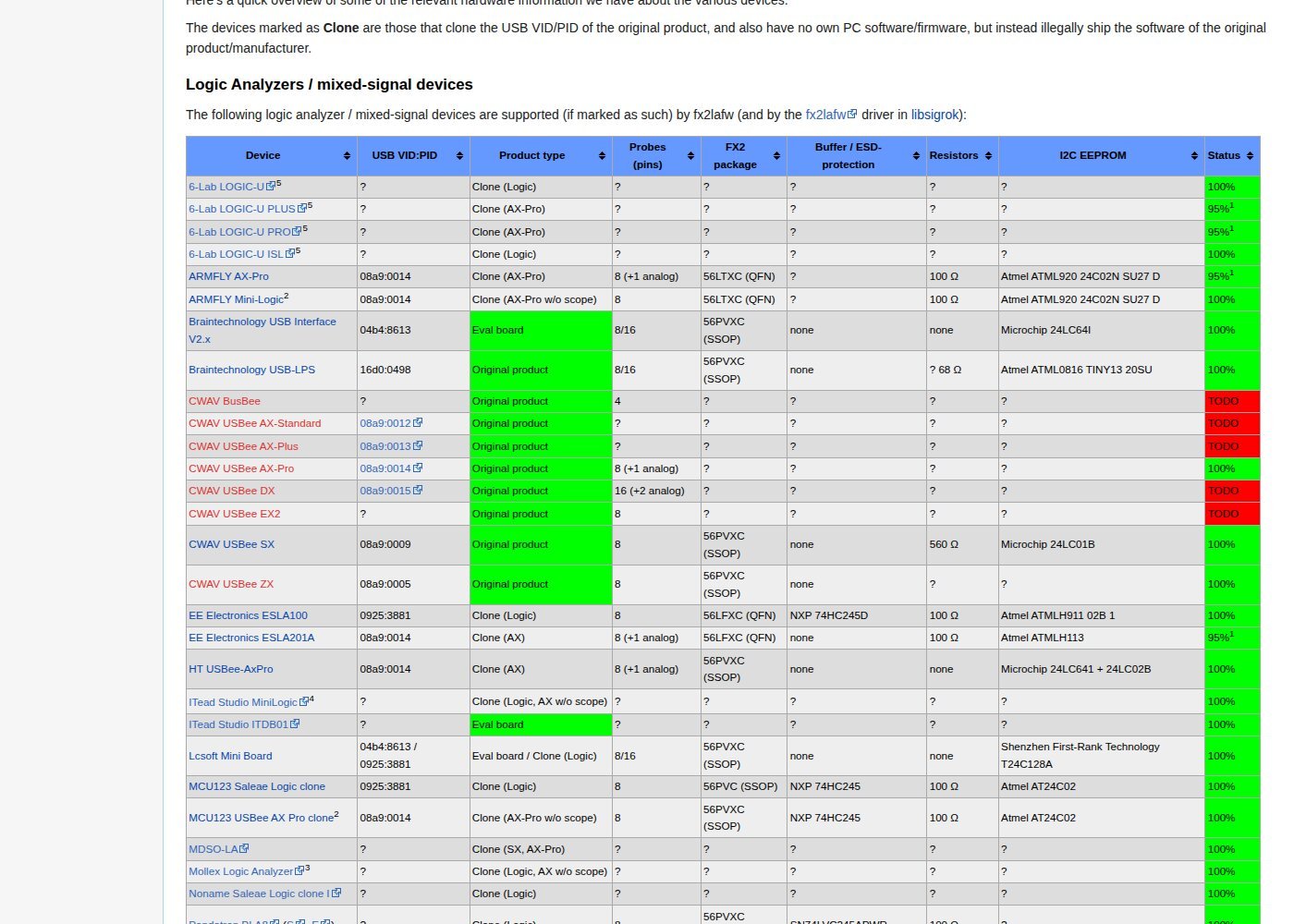
sigrok marks most of these boards as clones — devices that copy the USB VID/PID of the original and “have no own PC software/firmware, but instead illegally ship the software of the original product/manufacturer”. The driver’s device table is the fastest way to tell what you bought:
| USB VID:PID | What the driver calls it (and the clones sharing the ID) | Ch. | Firmware file |
0925:3881 |
Saleae Logic — plus EE Electronics ESLA100, MCU123 clone, Robomotic MiniLogic and BugLogic 3, Instrustar ISDS205X and Hantek 6022BL in LA mode | 8 | fx2lafw-saleae-logic.fw |
08a9:0014 |
CWAV USBee AX — plus ARMFLY AX-Pro, EE ESLA201A, HT USBee-AxPro, noname LHT00SU1, XZL_Studio AX | 8 + analog | fx2lafw-cwav-usbeeax.fw |
08a9:0015 |
CWAV USBee DX, XZL-Studio DX | 16 | fx2lafw-cwav-usbeedx.fw |
08a9:0009 / 08a9:0005 |
CWAV USBee SX / USBee ZX | 8 | …usbeesx.fw / …usbeezx.fw |
04b4:8613 |
Bare Cypress FX2 with no EEPROM — Lcsoft Mini Board, Braintechnology USB Interface V2.x, fx2grok-tiny | 8/16 | fx2lafw-cypress-fx2.fw |
16d0:0498 |
Braintechnology USB-LPS | 8/16 | …usb-lps.fw |
1d50:608c / 608d / 608f |
sigrok’s own FX2 LA 8ch / 16ch / usb-c-grok | 8/16 | fx2lafw-sigrok-fx2-*.fw |
The ceiling is bytes per sample, not channels
The driver defines two limits, MAX_8BIT_SAMPLE_RATE at 24 MHz and MAX_16BIT_SAMPLE_RATE at 12 MHz. Only the second one is enforced: grep the whole driver — it is three files — and the 8-bit constant is never referenced again. Wide mode is chosen by one line, devc->sample_wide = channel_mask > 0xff || num_analog > 0: it turns on when a channel above D7 or an analog channel is enabled, never because of how many of D0–D7 you ticked.
| Setup | Bytes/sample | Bus traffic | What happens |
| 8-channel board, any number of D0–D7 on, 24 MHz | 1 | 24 MB/s | The working ceiling. Switching probes off changes nothing. |
| Same board at 48 MHz | 1 | 48 MB/s | Offered since firmware 0.1.7 (“as long as bus conditions permit”) and nothing in the driver refuses it — a capture the bus cannot carry just ends short. |
| 16-channel board, only D0–D7 on | 1 | 24 MB/s | Still narrow mode, full 24 MHz available. |
| 16-channel board, one channel D8–D15 (or analog) on | 2 | 24 MB/s at 12 MHz | Above 12 MHz it refuses: “Unable to sample at …Hz when collecting 16-bit samples.” |
The arithmetic behind that: USB 2.0 allows at most 13 bulk transactions of 512 bytes per 125 µs microframe — 53.2 MB/s before overhead, shared with everything else on the controller. 24 MB/s sits at 45% of it and holds; 48 MB/s is 90% and only survives on an otherwise idle root hub. And the odd-looking rate list (…8, 12, 16, 24, 48 MHz, no 10 or 20) is not arbitrary: the rate has to divide 48 MHz or 30 MHz exactly, with a delay counter of at most 1536 states.
What the probes can actually read
The input buffer differs between clones, and sigrok’s table records which: 74HC245D on the EE Electronics ESLA100, 74HC245 on the MCU123 Saleae clone, SN74LVC245APWR on the Pandatron PLA8, 74LVC245A in the teardown of the noname clone. That is not cosmetic. The 74LVC245A has 5 V-tolerant inputs rated to 5.5 V; the 74HC245’s absolute maximum input is “VI −0.5 V to VCC + 0.5 V”, so on a 3.3 V rail 5 V logic is over the limit and clamps through the protection diode, with only the board’s series resistor (100 Ω on most clones) in the way. Neither part reads 1.8 V logic honestly: VIH is 2.0 V minimum on the LVC, roughly 0.7 × VCC on the HC.
Five failures and what each one means
| What you see | What it means — and the fix |
ezusb: Unable to send control request: LIBUSB_ERROR_PIPE then fx2lafw: Firmware upload failed for device 3.21 (logical) |
The upload died on a USB hub. Debian bug #1036103 is exactly this: the reporter’s analyzer worked the moment it went into a port on the PC itself. |
Failed to open resource 'fx2lafw-saleae-logic.fw' |
No firmware files on the machine. Install the distro package or unzip the download above into the search path. |
| Device worked once, now nothing — and Zadig shows a different entry | Renumeration after the firmware upload. Assign WinUSB again to the new entry, and once per USB port. |
| Capture at 48 MHz returns far fewer samples than requested | The FX2 stopped delivering. The driver gives up after 64 consecutive empty transfers and the frontend reports the short capture. Drop to 24 MHz. |
Unable to sample at 24000000Hz when collecting 16-bit samples. |
A channel above D7 is enabled on a 16-channel board. Untick D8–D15, or accept 12 MHz. |
FAQ
Can I use Saleae’s own software with a clone? Saleae documents the original Logic as “supported on all releases”, and a clone presents the same 0925:3881, so it looks like one. The practical blocker is Windows: Saleae’s installer binds its own driver, Zadig binds WinUSB, and only one can own the device at a time — swapping toolchains means swapping drivers. The legacy line ends at Logic 1.2.40, and Saleae states that hardware revisions from October 2022 on “will no longer work with our legacy Logic 1.x software”. More in our Logic 2 download guide.
Does the firmware stay on the board? No. It goes into RAM and is gone at unplug, which is why a board that works in PulseView looks dead to everything else after a power cycle.
Then why does PulseView offer 48 MHz at all? Because firmware 0.1.7 added it, with the project’s own caveat — “as long as bus conditions permit” — and the host-side guard for 8-bit mode was never wired up.
Sources
- sigrok wiki — fx2lafw hardware table (device list, clone definition, buffer chips)
- libsigrok
fx2lafw/protocol.handprotocol.c(sample-rate limits, wide-mode rule, error strings) - sigrok wiki — Windows (Zadig, WinUSB, the two-pass driver install)
- sigrok firmware downloads and the 0.1.7 NEWS entry (“Allow LA captures at 48MHz samplerate”)
- Debian bug #1036103 (firmware upload failing through a USB hub)
- USB 2.0 specification (high-speed bulk: 13 × 512-byte transactions per microframe)
- Nexperia 74LVC245A and 74HC245 datasheets (input thresholds, absolute maximum input voltage)
- Saleae — Logic 1.x downloads and which version to use