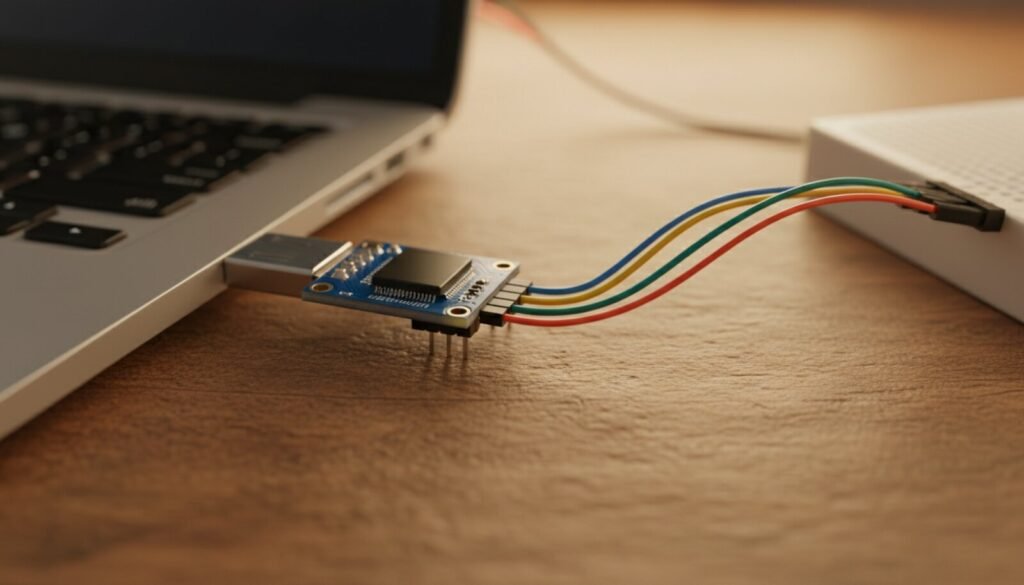
The CH340 (and its cousins CH341, CH340G, CH340C) is the USB-to-serial chip inside millions of cheap Arduino clones, ESP boards and USB-TTL adapters. When Windows shows the board as “Unknown Device” or the COM port never appears, you need this driver. Here’s the official WCH driver, hosted below, plus the install and troubleshooting steps.
⬇ CH340 / CH341 driver (official WCH)
The single package covers CH340 and CH341. macOS and Linux usually have this built in — this driver is for Windows.
Installing (the right order matters)
- Unplug the board/adapter first;
- Extract the ZIP and run SETUP.EXE → click INSTALL. A success dialog confirms it;
- Now plug in the board. Windows binds the driver and a COM port appears under Device Manager → Ports (COM & LPT);
- In the Arduino IDE (or your tool), select that COM port. Done.
Troubleshooting
Board shows as “USB2.0-Serial” with a yellow ⚠ in Device Manager? Driver missing or mismatched. Run SETUP.EXE → UNINSTALL first, then INSTALL again, replug.
COM port appears then vanishes / random disconnects? Almost always a charge-only USB cable or a weak hub. Swap to a known data cable, plug into a rear port.
Using it with the Arduino IDE and the port never appears in Tools > Port? A CH340 board is always an “Unknown” device to the IDE, because its USB ID is in no boards.txt — see why the Arduino IDE 2 port does not show up, which lists the USB ID of every official board and the five things that actually take a port away.
Wrong or very high COM number, or “port in use”? Device Manager → the CH340 port → Properties → Port Settings → Advanced → assign a lower free COM number.
Uploads fail even with the port selected (esp. on ESP boards)? The driver’s fine — that’s usually baud rate or the board’s boot mode. Different topic, but the CH340 itself is working if the port shows up.
Counterfeit-chip lockout? Unlike the PL2303 “Phased Out” saga or the FTDI “non-genuine device” lockout, WCH has never bricked clones — the CH340 is refreshingly drama-free, which is a big reason it took over the low-cost market.
The CH340 family
| CH340G | The classic, needs an external crystal — most Arduino Nano clones; |
| CH340C | Crystal built in — newer, cleaner boards; |
| CH341 | Also does parallel/I2C/SPI — same driver; it’s the chip on the CH341A programmer too. |
Device Manager says “USB-Enhanced-SERIAL” instead of “USB-SERIAL CH340”? Then this package is the wrong one. The CH343, CH9102 and friends are a newer WCH family with their own driver and their own product IDs — and one of them, the CH343C, reports the very same 1a86:7523 ID as the CH340. See the CH9102 and CH343 driver guide for the full VID:PID table.
Verdict
One driver, one install, and the most common “my Arduino won’t connect” problem is gone. With the port finally visible, that ESP32 board is ready for the Flash Download Tool. If your adapter uses a Silicon Labs chip instead, you need the CP2102 driver; if it’s a Prolific chip on Windows 11, brace for the “Phased Out” fix. And if the thing on the other end of that cable is an STC 8051, the CH340 is all the programmer you need — see the STC-ISP guide and its cold-start rule.