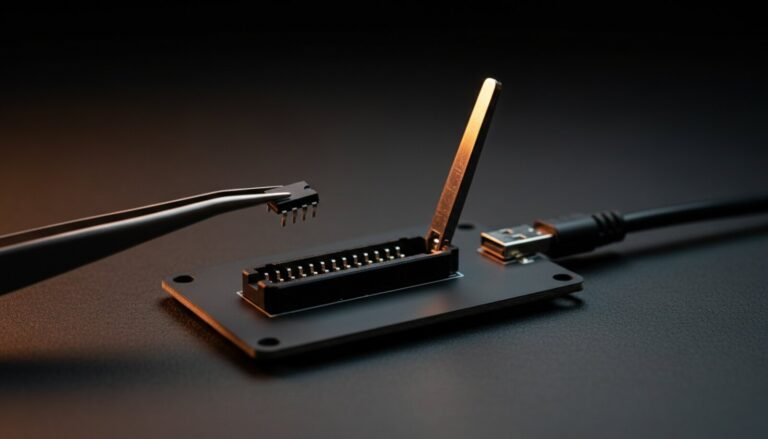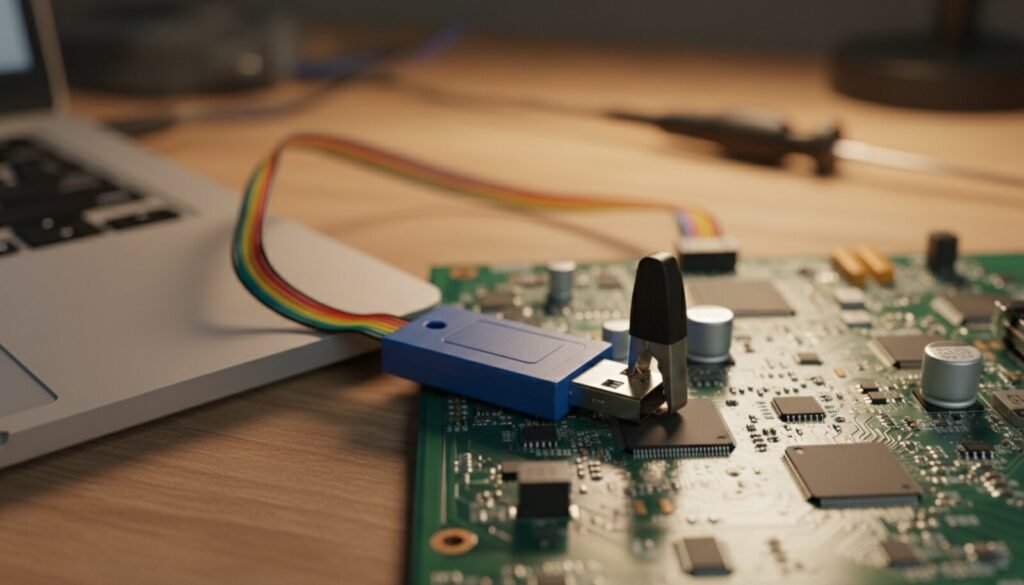
The CH341A is the $5 USB programmer that flashes BIOS chips, router firmware and monitor EEPROMs — and it’s genuinely good if you pair it with the right software and dodge one hardware trap. This guide gives you both: AsProgrammer (the best free Windows tool for it, hosted below) and the 3.3 V warning that saves chips.
⬇ AsProgrammer 2.1.2 + CH341A driver
Download AsProgrammer 2.1.2
Download CH341A driver
Driver is the official WCH CH341PAR package. Install driver first, then unzip AsProgrammer anywhere — it’s portable, no install.
⚠️ The 5-volt trap (read before connecting a chip)
Most cheap CH341A boards (the classic black edition) feed the chip’s data lines at 5 V while the chip expects 3.3 V. SPI flash is usually tolerant enough to survive a read, but it’s out-of-spec stress and occasionally kills chips or corrupts writes. Three ways out:
- Buy the fixed revision (usually green or marked “3.3V logic”) — sold for the same $5;
- Mod the black board — a well-documented one-wire fix bridging the 3.3 V regulator to the buffer supply;
- 1.8 V chips (many modern BIOS parts): you need the little 1.8 V adapter board regardless of edition — no exceptions, 3.3 V will not read them.
Wiring: socket vs clip
Before either: make sure the clip you own actually fits the chip you have, and that pin 1 is where you think it is. The SOIC-8 test clip guide covers pitch and body width, the 1.8V-versus-3.3V part number trap, and how to tell a bad contact from a bad chip.
There is a third option the clip-vs-socket debate skips: take the chip off the board. When the clip will not read reliably — powered rails fighting you, a chip wedged under a shield — hot air is the honest answer. See the hot air rework station guide for how to lift a 25xx without taking the pads with it.
- Desoldered chip: into the ZIF socket, pin 1 (dot) toward the lever, in the SPI position (the socket silk shows 25xx placement);
- In-circuit (SOIC-8 clip): red wire = pin 1, clip firmly seated. In-circuit works when the board doesn’t back-power — if reads are garbage or the chip reads all 00/FF, stop fighting and desolder;
- Plug into a rear USB port (hubs cause dropouts on long reads).
First flash with AsProgrammer
- Open AsProgrammer → Hardware → CH341a;
- Click the magnifier (detect) — or pick the exact part from the IC list if detection guesses wrong;
- Read IC → save the dump. Read twice, compare sizes/content — cheap clips make flaky contact and a bad backup is worse than none;
- Load your new image → Erase → Program → Verify. Green “Verify OK” or it didn’t happen.
Common questions
Windows doesn’t see the programmer? Install the driver from the box above, replug. Device Manager should show “USB-EPP/I2C… CH341A”. Still nothing: try another cable — the bundled ones are often charge-only garbage. Note that the CH341A uses the WCH driver, not a generic one — do not run Zadig on it; that tool is for devices like the USBasp.
Can I use flashrom instead of AsProgrammer? Yes, and it is the better answer if you want something scriptable across several programmers. It costs you a driver swap — flashrom needs WinUSB bound to the CH341A with Zadig, not the WCH driver above, so the two tools cannot share the device. There is also no official Windows binary; our flashrom on Windows guide covers the ten-minute build and the commands.
Chip detected as wrong model? Auto-detect reads the JEDEC ID, but clones confuse it. Select the exact printed part number manually — capacity mismatch is how you get a half-written brick.
The chip is 8-pin but it is not SPI flash? Check the board first: an 8-pin part sitting next to an MCU on a control board is usually a 24Cxx I²C EEPROM, not 25-series flash. The same $5 board reads it, but with a different bus, a different addressing scheme per capacity and a write-protect pin that acknowledges writes it never performs — see 24Cxx EEPROM with a CH341A.
CH341A vs a real programmer? For 8-pin SPI flash, the CH341A does the job. The moment you touch parallel chips, MCUs or need speed and reliability daily, step up to a T48 — see also the XGpro software page.
When AsProgrammer is not enough: SPI NAND, Microwire 93Cxx, OTP/security registers or ASUS .CAP files are jobs the same $5 board can do with different software. That is what NeoProgrammer adds — with the caveat that it is closed source and has no official download page, so verify the hash before running it.
Is there a case where the 5-volt trap is not a trap? Yes, and it is the most common eight-pin job outside a PC: the EDID EEPROM behind a monitor’s video connector. That bus is specified to run at 5 V on the cable side, so a stock CH341A is in spec there — but only there, and only on the cable side of the level shifter. Our guide to fixing a monitor EDID works through where the 5 V is intended and where it still is not.
Verdict
Five dollars, fits in a pocket, saves motherboards. Know the voltage trap, keep backups religious, and the CH341A + AsProgrammer combo is the best value in all of bench electronics.