Walk into any repair forum with a dead laptop and someone will tell you to “just reball it.” The BGA chip has become the default villain for every hard fault, and reballing the miracle cure. The reality is more useful than the myth: reballing fixes one specific class of failure, and knowing how to prove that failure before you put heat on a board is what separates a repair tech from someone who bakes motherboards and hopes.
This guide covers what a BGA package is, how its joints fail, how to condemn one with evidence, and what the full reballing process looks like on the bench.
What a BGA Chip Is (and Why It Fails)
BGA stands for Ball Grid Array. Instead of legs down the sides, the chip carries hundreds of solder balls underneath its body — completely invisible once it is mounted. GPUs, chipsets, CPUs, eMMC and DDR memory all attach this way: a sandwich of silicon package, solder balls, and board.
The weakness is thermal-mechanical. The chip heats and cools thousands of times over its life. Silicon, package substrate and fibreglass board all expand at different rates, and the solder balls trapped between them absorb that flexing on every cycle. Eventually one or more joints crack. The crack is microscopic — sometimes it still touches when cold and the fault comes and goes, sometimes it opens for good.
- What accelerates it: laptops that ran hot for years on a clogged heatsink and dried-out thermal paste, consoles stuffed into closed cabinets, and the industry-wide move to lead-free solder, which is stiffer and more crack-prone than the leaded alloy it replaced.
- What it is not: a cracked joint is a connection fault. If the die itself has degraded internally — electromigration, a GPU that has been cooked one too many times — no amount of fresh solder brings it back. That is exactly why so many reball jobs “last three months and come back.”
The Classic BGA Symptoms
- Video artifacts: stripes, garbled blocks, a display that flickers or drops out while the machine is clearly running — fans spinning, drive activity present.
- Powers on, no POST: the power sequence completes but the board never gets to video.
- Works under pressure: press a corner of the chip, or flex the board slightly, and the image returns. That is close to a signature for a cracked joint.
- Temperature dependent: works cold and dies hot, or the opposite. Thermal expansion is opening and closing the crack in front of you.
- Game consoles: the famous error lights on older consoles were, in bulk, GPU solder failures.
Before You Apply Heat: the Honest Diagnosis
The number one beginner mistake is skipping straight to the hot air. Before any reball, the chip has to be condemned with evidence:
- Confirm the board actually powers up correctly. Follow the power sequence — adapter present, enable signals asserted, main rails coming up in order. If the board never energises properly, the fault is upstream of the BGA: power section, PWM controller, or a short.
- Rule out shorts on the main rails. A short on the GPU core rail takes the whole board down and no amount of reballing will touch it. Low-resistance readings to ground on a rail are a different job entirely, and they usually end at a shorted MOSFET on the power path rather than under the BGA.
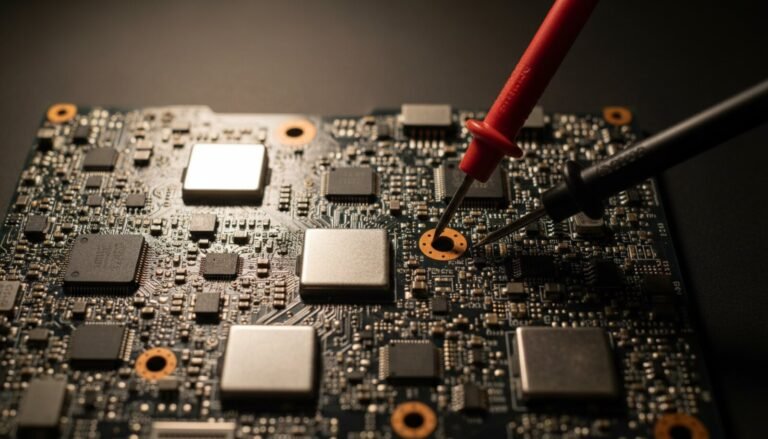
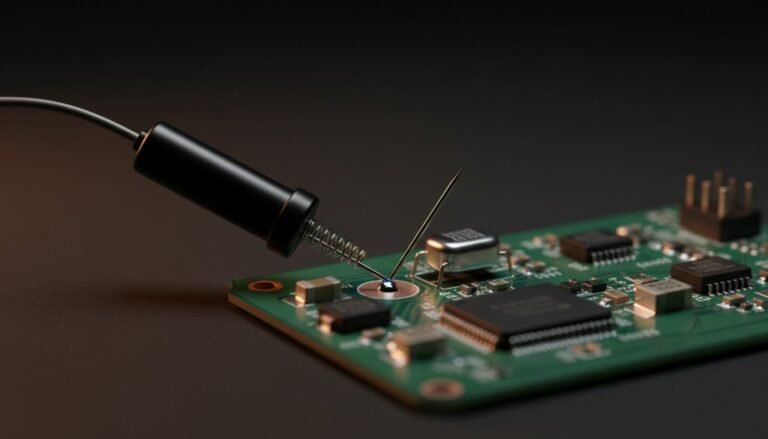
- Measure the test points. Are the GPU/chipset supply rails present at the right voltages? Is the clock running? Is reset released?
- Only then — power good, no shorts, rails present, and connection-style symptoms — does the BGA belong on the suspect list.
Reflow Is Not a Repair
Heating the chip without replacing the balls — with a hot air gun, or worse, in a kitchen oven — will sometimes make a cracked joint touch again. That is palliative. It does not rebuild the solder joint; it melts and re-sticks metal that is already fatigued, often making the alloy more brittle than before.
Reflow does have one legitimate use: as a diagnostic test. If gentle, controlled heat brings the machine back to life, you have strong evidence the fault is a connection rather than a dead die. Use that result to justify a proper reball or a chip replacement. Selling a reflow as a permanent fix is selling a callback.
The Reballing Process, Step by Step
A real reball means removing the chip, stripping every trace of the old solder, and rebuilding the entire ball array — giving the chip a factory-fresh connection.
Everything below assumes you are already comfortable with a hot air pencil on SOIC and TSOP parts. If you are not, start there — our hot air rework station guide covers the temperatures, airflow and preheat discipline that BGA work simply assumes you already have.
- Removal. The board goes on a BGA station: an infrared or hot air preheater underneath, controlled heat from above. The temperature profile ramps up until the solder liquefies, then the chip lifts off with a vacuum pen. Ramp rate matters more than peak temperature — yank a cold board straight to reflow temperature and you warp it or lift pads.
- Cleaning. Old solder comes off both the chip and the board with desoldering braid, flux and patience. The pads on both sides must end up flat, bright and free of residue. Any lump left behind becomes a bad joint later.
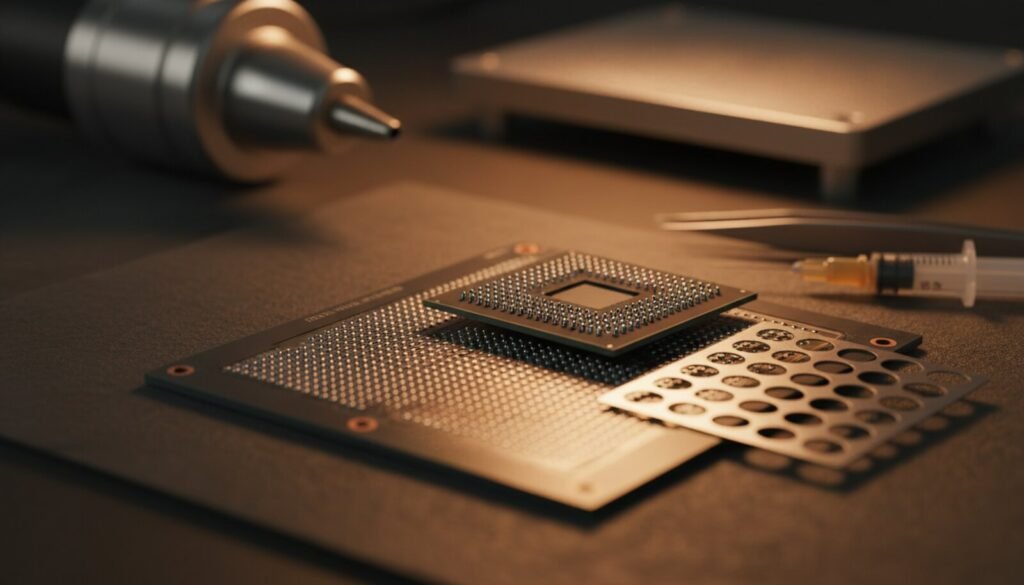
- New balls. The chip is aligned in a stencil — a jig drilled with that specific package’s ball pattern — fresh balls drop into the holes, and controlled heat tacks them to the chip’s pads.
- Reinstallation. The chip is positioned on the board. Alignment is critical here: half a millimetre off means hundreds of wrong connections. The same profile reflows the balls onto the board pads.
- Testing. Power sequence, rail voltages, video output — and ideally a thermal stress test before the machine goes back to the customer.
When It’s Worth It
| Scenario | Verdict |
|---|---|
| Pressure- or temperature-sensitive fault, rails all good | Reball is the right call |
| Replacement chip is available and affordable | Replace instead — same labour, permanent result |
| GPU already reballed twice and failed again | Die is degraded — stop, replace or scrap |
| Low-value board where labour exceeds replacement cost | Not economic |
| Diagnosis never confirmed a connection fault | Guessing — expect rework |
One point worth repeating: if a replacement chip exists at a sane price, fitting a new one beats reballing the old one. The labour is identical, and a reball recycles silicon that may already be near the end of its life.
Where Reballing Meets Programming
Plenty of BGA work on the bench is not GPUs at all — it is memory. Pull a BGA-153 eMMC or a BGA-162 UFS chip off a phone or a smart TV board and you are usually there to read, repair or rewrite its contents before it goes back down.
- For eMMC and NAND dumps, the RT809H programmer handles the BGA adapters and gives you a clean read before you commit to reinstalling the chip.
- For TV mainboards, the RT809F covers the SPI flash and EEPROM side of the same repair.
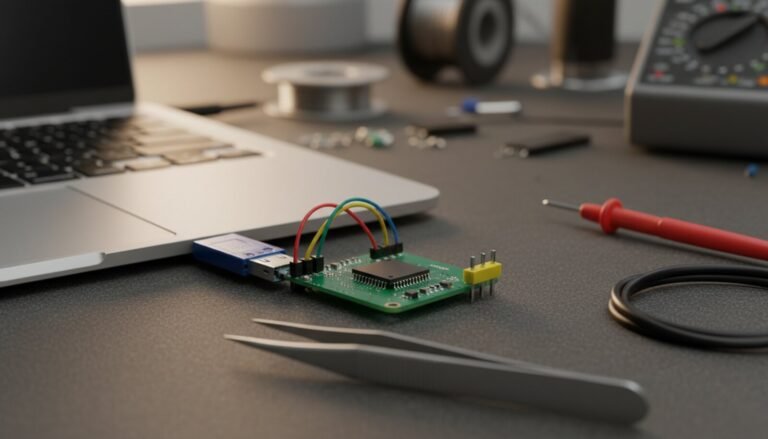
- Smaller SOIC-8 BIOS work rarely needs a rework station at all — a clip and a CH341A with AsProgrammer does it in place.
- For microcontrollers and larger device libraries, the XGecu T56 takes BGA adapters too.
The workflow is worth internalising: dump first, then desolder. If the chip dies on the heat, a good dump you took beforehand is the difference between a repair and a paperweight.
FAQ
How long does a reball last? Done properly, with quality balls and the root cause addressed, it can last years. If the machine keeps cooking the chip, the new joints fatigue exactly like the old ones did. Replace the thermal paste and clean the heatsink in the same service — that part is not optional.
Can I reball with a normal hot air gun? You can remove small packages with hot air alone. A real GPU reball needs a preheater and a controlled ramp; blasting a large, cold board with concentrated heat causes warping, lifted pads and cracked joints elsewhere.
Leaded or lead-free balls? Many techs rebuild with leaded 63/37: lower melting point, more ductile, and it survives the thermal cycling that killed the original joints better. If the board must remain RoHS compliant, that choice is made for you.
Do I need X-ray to check my work? No, but you do need a plan for verifying it: full electrical test, video output, and a stress test under load. X-ray tells you about voids and bridges; a stress test tells you whether the repair holds.
What about “BGA reballing kits” sold online? The stencils and balls are usually fine. The heat source is what makes or breaks the job — a cheap kit paired with a proper preheater beats an expensive kit and a hot air gun.
Verdict
BGA is not black magic. It is solder — hundreds of tiny joints that fatigue under heat. The professional edge is in condemning the chip with a diagnosis rather than a hunch: power sequence good, no shorts, rails present, connection-style symptoms. Meet those conditions and a proper reball is a genuine repair with a long life. Skip them and you are heating an expensive board to find out what a multimeter would have told you in ten minutes.
And if the chip you are lifting holds firmware, read it before it comes off. That habit has saved more boards than any rework station.