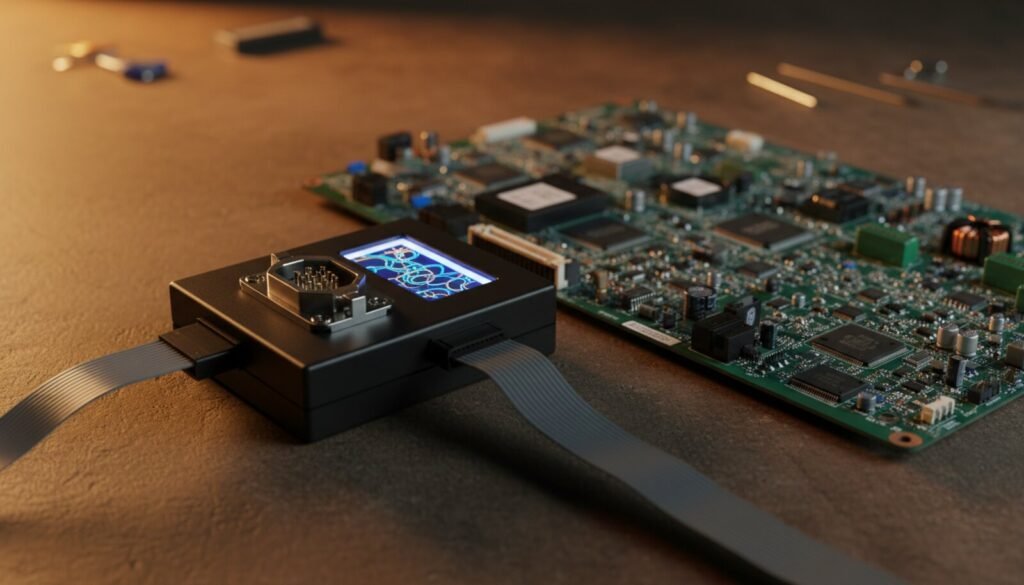
The RT809F is the go-to programmer for TV and monitor repair — it reads and writes the serial flash and EEPROM chips (24/25 series) that hold TV firmware, and it ships with the adapters and clips that make in-circuit work practical. This guide covers the software (hosted below), the setup, and the firmware-recovery workflow that actually brings a dead TV back.
⬇ RT809F software (2024 English build)
Install the software first, then connect the programmer. If Windows blocks the driver, allow it — it’s the USB driver for the device.
What the RT809F is for
| Serial flash (25 series) | The main event — TV/monitor mainboard firmware, in the SOP-8 clip or socket; |
| EEPROM (24 series) | The little config chips that store TV settings, panel data, white balance; |
| 93-series EEPROM | Older microwave/appliance and monitor settings memory; |
| ISP / in-circuit | The bundled clips let you read many chips without desoldering — the RT809F’s big selling point for TV techs. |
What it’s not for: parallel NAND/eMMC on modern smart-TV boards. When the TV uses NAND storage, you need the RT809H — its bigger sibling built exactly for that.
Bringing back a dead TV, step by step
- Install the software above, connect the RT809F;
- Find the firmware chip on the mainboard (usually an 8-pin SOP near the main SoC) and note the part number;
- Clip on (red wire = pin 1) or desolder into the socket. In-circuit reads fail when the board back-powers — if the dump is garbage, desolder;
- Read → save the original dump first, always, even from a “dead” chip — it may still hold the panel’s unique calibration;
- Load the correct firmware image for that exact model/panel → Program → Verify. Sourcing the right image is the real challenge — see below.
Common questions
Where do I find the firmware image? This is 80% of the job. Options: dump a known-good identical board, manufacturer service files, or reputable TV-repair firmware archives. Match the exact mainboard number and panel — wrong firmware means no image, no backlight, or a boot loop.
Programmer not detected? Install the bundled driver, use a rear USB port, avoid hubs. The RT809F is sensitive to flaky USB power on long reads.
RT809F or RT809H? Serial-flash TVs and general 24/25-series work → RT809F is cheaper and enough. NAND-based smart TVs, eMMC, more modern boards → step up to the RT809H.
Verdict
For a bench that fixes TVs and monitors, the RT809F earns its keep on the first board — the bundled clips and adapters save hours of desoldering. Pair it with a reliable firmware source and it’s one of the best-value tools in the trade. Also useful alongside a CH341A for quick SPI jobs.