The TL866II Plus is probably the most popular universal programmer ever made — and for good reason: for around $50 it reads and writes some 17,000+ chips, from BIOS flash and EEPROMs to old-school microcontrollers, with a software package that actually works. This guide covers what it does well, what it can’t do, and the exact first-flash workflow we use at the bench.
What the TL866II Plus handles
| SPI NOR flash | The bread and butter — BIOS chips (25Q series etc.), router firmware, monitor flash. 8-pin SOIC via adapter or clip; |
| Parallel EEPROM/Flash | 27/28/29-series chips in the 40-pin ZIF socket — arcade boards, vintage computers, automotive; |
| Microcontrollers | Classic PIC and AVR families (including fuses), 8051 types; |
| ICSP | In-circuit programming for supported MCUs via the 6-pin header; |
| Logic ICs | Bonus feature: it can test 74/40-series logic chips. |
What it can’t do: NAND flash and eMMC are out of its league — for those you need the T56. It also tops out around 25 MHz SPI, so giant modern flash chips read slowly compared to the T48. And one family you simply don’t need it for: STC’s 8051 parts carry a factory bootloader and flash over three wires and a USB-to-serial cable, using STC-ISP.
Setup
- Install XGpro (current version here) — driver included;
- Connect the programmer; the XGpro status bar shows “TL866II Plus” when detected;
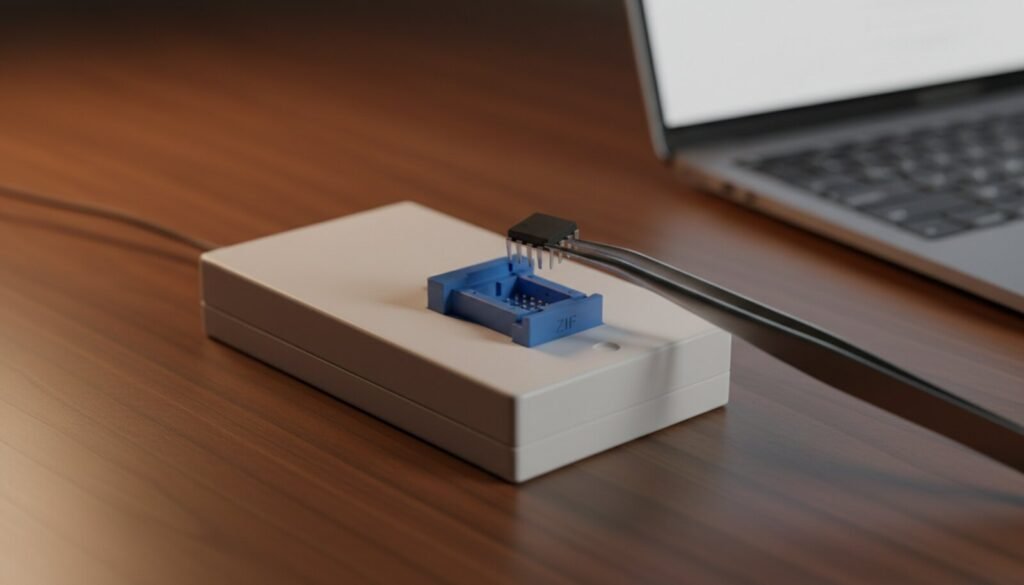
- For 8-pin SPI chips: use the included SOIC8 adapter, or a test clip for in-circuit reads. Pin 1 (the dot) aligns with the lever end of the ZIF socket — XGpro shows a placement diagram for every chip.
Your first read/write, step by step
- Select IC → search the exact part number printed on the chip (e.g. “25Q64”). Pick the matching brand/variant;
- Read → then immediately save the dump (File → Save). This is your undo button — never skip it;
- Verify the read: run Read twice and compare, or check that the buffer isn’t all FF (blank) or 00 (bad contact);
- Load the new image (File → Open), check the file size matches the chip capacity;
- Program → the default sequence erases, writes and verifies in one pass. “Verify OK” at the end is your green light.
Common questions
Read fails or returns all FF? 90% of the time it’s contact: reseat the chip, check clip orientation, clean oxidized pins with IPA. In-circuit reads also fail when the board back-powers other components — desolder the chip if the clip won’t cooperate.
Chip not in the list? Update XGpro first (v13 added thousands of parts). Still missing: a same-family chip with identical size/voltage usually works — search the datasheet to confirm the command set.
What about 24Cxx I²C EEPROMs? The socket handles them, and for anything you intend to write it beats a clip — no contact resistance, no bus contention, no back-powering. The trap is upstream of the hardware: pick the wrong part number and the addressing scheme no longer matches the silicon, so the dump is wrong while the tool reports success. The details are in our 24Cxx EEPROM guide.
TL866II Plus vs T48 — worth upgrading? If you mostly do 8-pin BIOS work and it’s fast enough for you, no rush. Buying today from zero, the T48 costs a bit more and future-proofs you. Full comparison in the T48 guide.
On Linux or macOS? The TL866II+ has a working open-source controller, minipro — with one caveat worth knowing before you go shopping by list: the device count it prints for this programmer includes thousands of parts flagged T48/T56-only, so check Available on: per chip.
Verdict
Ten years from now people will still be flashing chips with this thing. It’s the Toyota Corolla of programmers: not the fastest, not the newest, absolutely dependable. Pair it with the current XGpro and it covers the vast majority of repair-bench flash work.